How Many Pages a Month? Choosing the Right Size Photocopier
In brief: The Photocopier Shop explains: The right photocopier is sized to the pages you actually print, not the pages you might print one day. How to work out your monthly volume and match a machine to it.
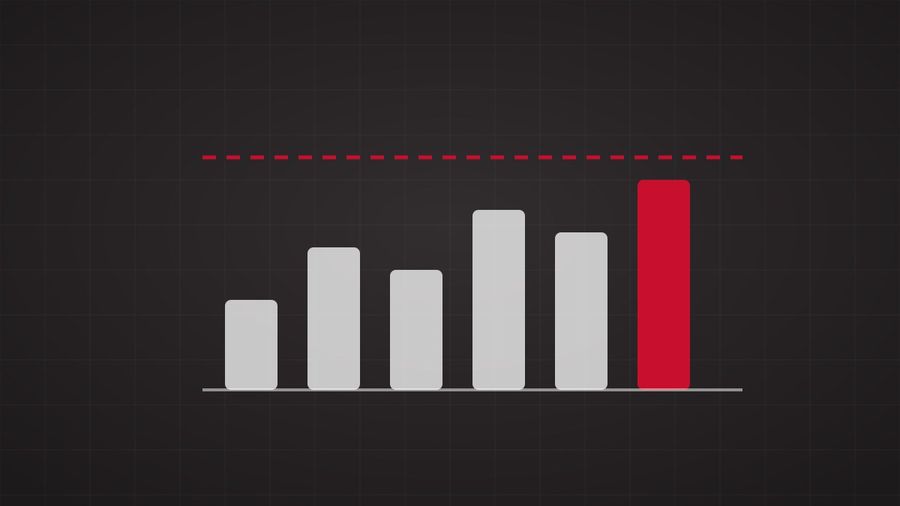
Size a photocopier by your average monthly page count. Pick a machine whose recommended monthly volume comfortably covers what you print, with some headroom for busy months, and no more. A machine that is too small breaks down more often. A machine that is too big costs more every month for capacity you never use.
Step 1: Find your real volume
If you already have a copier, the meter reading gives you the answer. Your invoices show it, or the machine can print a counter report. Take the last few months, split into mono and colour, and average them.
If you are starting from scratch, a rough guide is to count people and multiply by the pages each prints on a typical day, then by working days in the month. Treat it as an estimate and revisit it after a few months.
Step 2: Choose a speed
Speed is measured in pages per minute. The more people sharing the machine, and the longer the documents, the faster it needs to be. A small office printing short documents rarely needs the fastest model. A busy shared machine with long print runs does.
Step 3: A3 or A4
Most offices print A4, but an A3 machine gives you larger formats for plans, posters and spreadsheets and usually has more paper capacity. If nobody prints A3, an A4 machine is cheaper and smaller. For drawings and plans bigger than A3, look at wide format printer leasing.
Step 4: Desktop or floor-standing
Desktop photocopiers suit small teams and lower volumes. Floor-standing photocopiers take bigger paper trays, finishers and higher volumes. If you need stapling, hole punching or booklets, you are almost always looking at floor-standing.
Step 5: Colour or mono
If any of your printing is in colour, a colour machine will handle both. Colour pages cost more per print, so it is worth reading colour or mono photocopier before you decide.
Rough sizing guide
- Up to a handful of people, light printing: desktop A4 colour
- Small to medium office with shared printing: floor-standing A3 colour, mid-range speed
- Busy office, long documents, finishing needed: faster floor-standing A3 colour with a finisher
Do not size for the busiest day of the year
One big job a year does not justify a bigger machine for five years. Size for the normal month, and if volumes change, an upgrade clause lets you move up later.
Tell us your monthly volume and we will recommend a machine that fits. You can also try the calculator on our photocopier leasing page.
Frequently asked questions
How do I find out how many pages I print a month?
Check the meter readings on your invoices, or print a counter report from the machine. Average the last few months and split the figure into mono and colour pages.
What happens if my photocopier is too small?
A machine regularly run above its recommended volume wears faster and needs more engineer visits. It is better to size it so your normal month sits comfortably inside its range.
Do I need an A3 photocopier?
Only if you print A3 documents such as plans, posters or large spreadsheets. If everything you print is A4, an A4 machine is smaller and costs less.