Click Charges Explained: What You're Really Paying Per Page
In brief: The Photocopier Shop explains that the per-page charge on a photocopier agreement often costs more over the term than the machine itself, what it covers, why colour costs so much more, and how to bring it down.
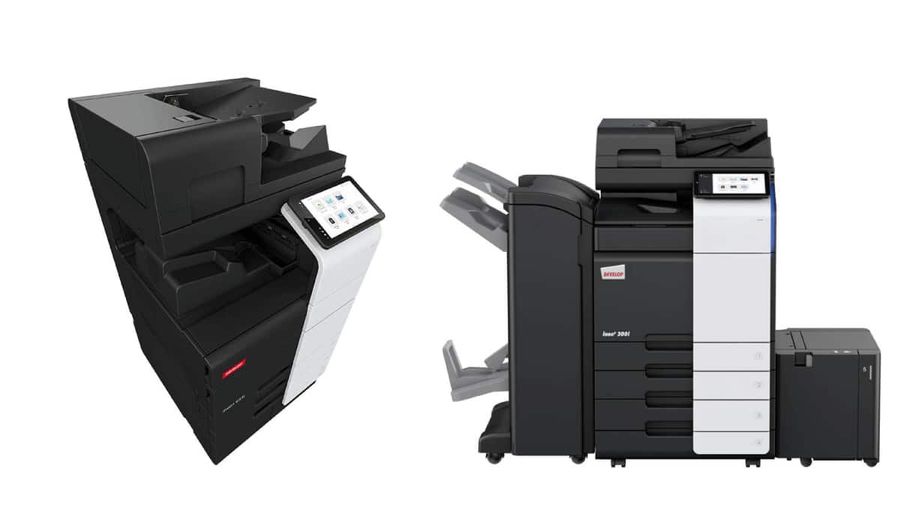
Over a five-year agreement, a business printing 5,000 pages a month will often pay more in click charges than in hardware payments. It is the half of the bill people pay least attention to.
What a click actually is
One click is one printed side of A4. Print a double-sided document and that is two clicks. Whether A3 counts as one click or two varies between suppliers, which is worth establishing early.
What the charge covers
On an inclusive agreement, the click charge is not just toner. It covers:
- Toner and consumables, delivered as needed
- Drums, fusers and other wear parts
- Routine preventative maintenance
- Parts and labour on breakdowns
- Engineer call-outs within the agreed response time
Seen that way, a click charge is closer to an insurance policy than a consumable cost — which is why the cheapest rate is not automatically the best deal if the service behind it is poor.
Why colour costs so much more
A mono page uses one toner. A colour page uses four, plus a transfer belt and more complex mechanics that wear faster. Colour click rates are commonly several times the mono rate.
The detail that surprises people: a page counts as colour if there is any colour on it at all. An internal memo on letterhead with a coloured logo bills as a full colour click. For a business printing thousands of pages on headed paper, that adds up quickly.
Where the savings are
Default to mono. Set the driver default so colour is a deliberate choice. This alone typically removes a large slice of accidental colour printing.
**Default to duplex.** Halves paper consumption. It does not reduce clicks — two sides are still two clicks — but paper is a real cost.
**Use print rules.** Restrict colour to the people and applications that genuinely need it. Most managed print setups include this as standard.
Reconsider letterhead. If pre-printed letterhead is pushing everyday documents into colour billing, printing onto plain paper with a mono template may be cheaper.
Check your volumes against the agreement. If you committed to a minimum volume that you consistently do not reach, you are paying for pages you never print.
Comparing click rates fairly
Rates are quoted against 5% coverage — roughly a page of ordinary text. Every supplier quotes on the same basis, so the comparison is fair, but if your documents are graphics-heavy your real consumable usage will run ahead of the benchmark.
When comparing quotes, always multiply the rates by your actual monthly volumes rather than comparing the rates themselves. A supplier with a slightly higher mono rate and a much lower colour rate may work out cheaper for you and more expensive for the business next door.
Frequently asked questions
What is a typical click charge for a photocopier?
Mono clicks are typically quoted in fractions of a penny per page and colour clicks at several pence, though the exact figures depend on the machine, the volumes committed and what the service agreement covers. Compare quotes by multiplying each supplier's rates by your own monthly page counts rather than comparing the rates in isolation.
Does a page with one small colour logo count as a colour click?
On most agreements, yes — any colour on the page makes it a colour click. Some suppliers offer tiered colour billing that charges less for pages with minimal colour coverage, so it is worth asking if you print a lot of letterhead.
Can I reduce my click charges without changing supplier?
Usually yes. Setting mono and duplex as driver defaults, applying print rules so colour requires a deliberate choice, and reviewing whether you are committed to minimum volumes you do not reach will all reduce the bill without renegotiating anything.