How to Switch Photocopier Supplier Without the Hassle
In brief: The Photocopier Shop explains: Switching copier supplier is easier than most businesses think. A step-by-step guide covering your old contract, the new machine, data, and getting everyone printing again on day one.
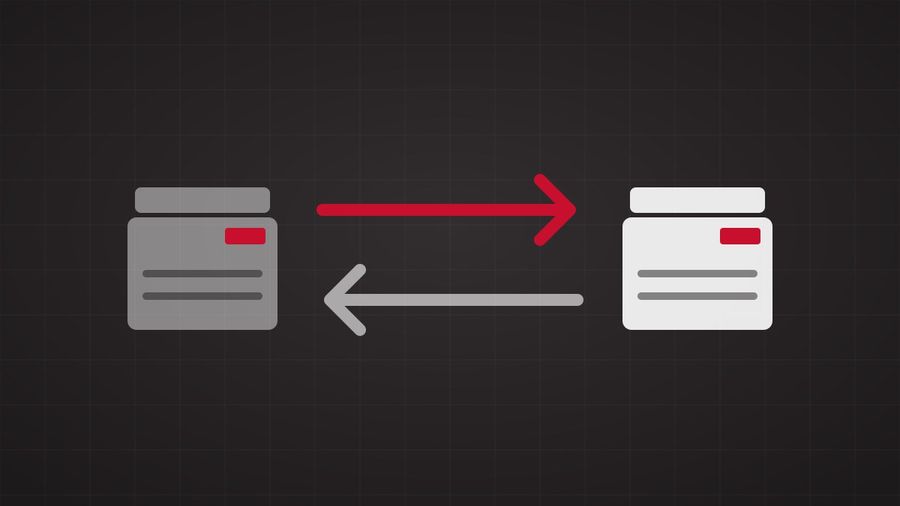
To switch photocopier supplier, check what your current agreement says about ending it, get a quote that includes settling or buying out the old contract, then book installation of the new machine and collection of the old one for the same visit. Done in that order, nobody in the office loses a day of printing.
1. Gather your paperwork
You need the lease agreement, the service agreement and a recent invoice showing your meter readings. The invoice tells a new supplier your real volumes, which means a more accurate quote.
2. Check notice periods
Service agreements often require written notice, sometimes 90 days before the end date. Miss it and the contract can roll on. Diary the deadline now.
3. Get a buyout quote
If you are mid-term, you do not have to wait. We buy you out of your existing contract and include it in your new agreement. See contract buyout or our guide on how to get out of a photocopier lease early.
4. Choose the right machine, not just the same one
Switching is a chance to fix what annoyed you. Too slow? Not enough paper trays? No stapling? Paying for colour nobody uses? Use the change to right-size. Choosing the right size photocopier helps.
5. Plan installation
A good installation covers more than plugging it in:
- Network connection and print drivers on every computer
- Scan to email and scan to folder set up and tested
- Address book transferred where possible
- User codes or card login if you use them
- A quick walkthrough for staff
Our installation and support page shows what we set up.
6. Protect the data on the old machine
The old copier's hard drive may hold scanned documents and saved logins. Make sure it is wiped before it leaves, and get confirmation. The photocopier security checklist covers this.
7. Take a final meter reading
Photograph the old machine's meter on the day it goes. It is your evidence if the final bill does not match.
8. Confirm the old contract is closed
Get written confirmation from the old finance company and service provider that the agreements have ended and nothing further is owed.
How long it takes
Once the paperwork is agreed, installation is usually a single visit. The new machine goes in, the old one comes out, and your team carries on.
Want us to check your current deal first? Send your latest invoice through our contact page and we will tell you honestly whether switching saves you money.
Frequently asked questions
Can I switch photocopier supplier before my contract ends?
Yes. The existing agreement can be settled, and some suppliers, including us, will buy you out of your existing contract as part of the new agreement.
Will I lose my scan settings when I change copier?
Not if installation is done properly. Scan to email and scan to folder should be set up and tested on the new machine, and the address book transferred where the machines allow it.
What should happen to my old photocopier's hard drive?
It should be wiped before the machine leaves your premises, with the address book and saved logins cleared. Ask for written confirmation.